
Case study / 02
Design + development / Live
Trigger.dev
Complex infrastructure, made approachable.
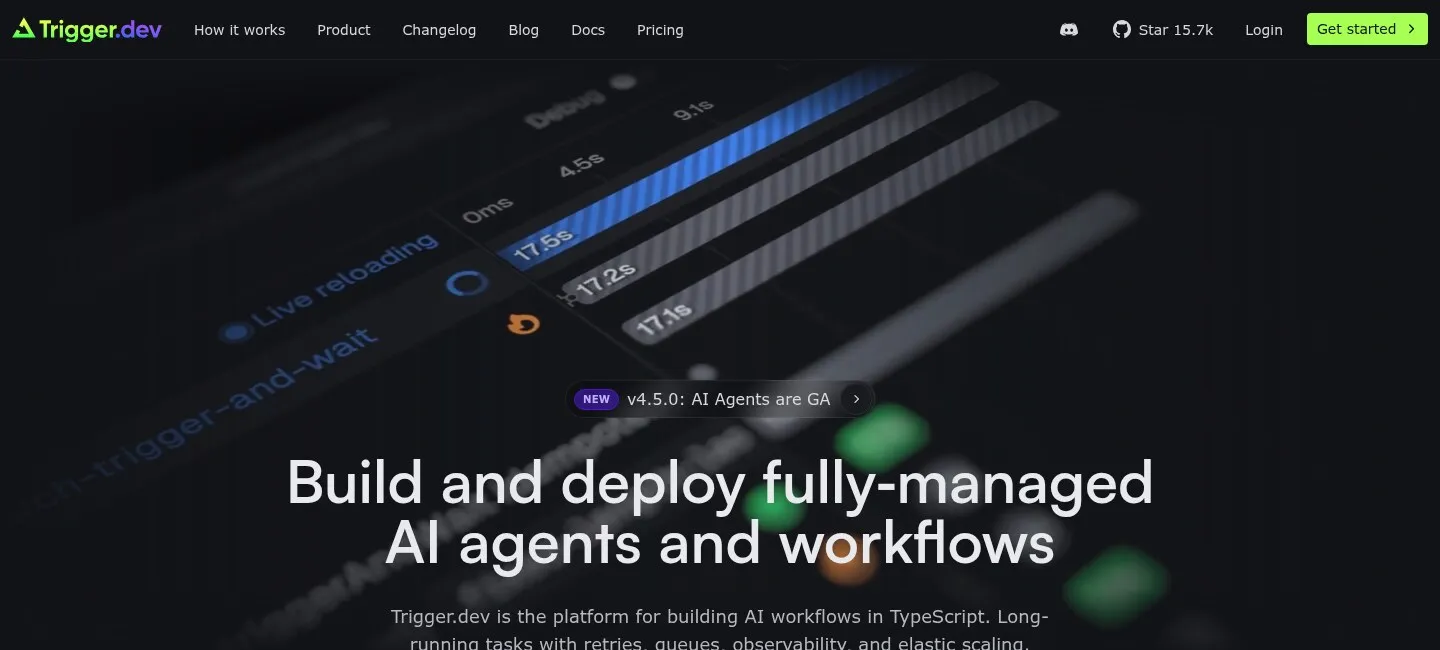
Trigger.dev gives developers a durable way to build AI workflows and long-running background jobs in TypeScript. We created a digital experience that makes retries, queues, observability, and elastic scaling feel like one coherent product rather than a list of infrastructure concerns.
- Client
- Trigger.dev
- Role
- Design + development
- Focus
- Strategy, UX/UI, product storytelling, engineering
- Platform
- Remix, React, Tailwind CSS
01The challenge
Reliability was the product. Complexity could not be the story.
Trigger.dev handles the infrastructure behind long-running work: queues, retries, concurrency, schedules, monitoring, and elastic compute. The experience needed to speak with technical precision without asking developers to decode the platform before seeing its value.
Make the hard engineering visible without making the product feel hard to use.
02The product system
Six capabilities. One reliable runtime.
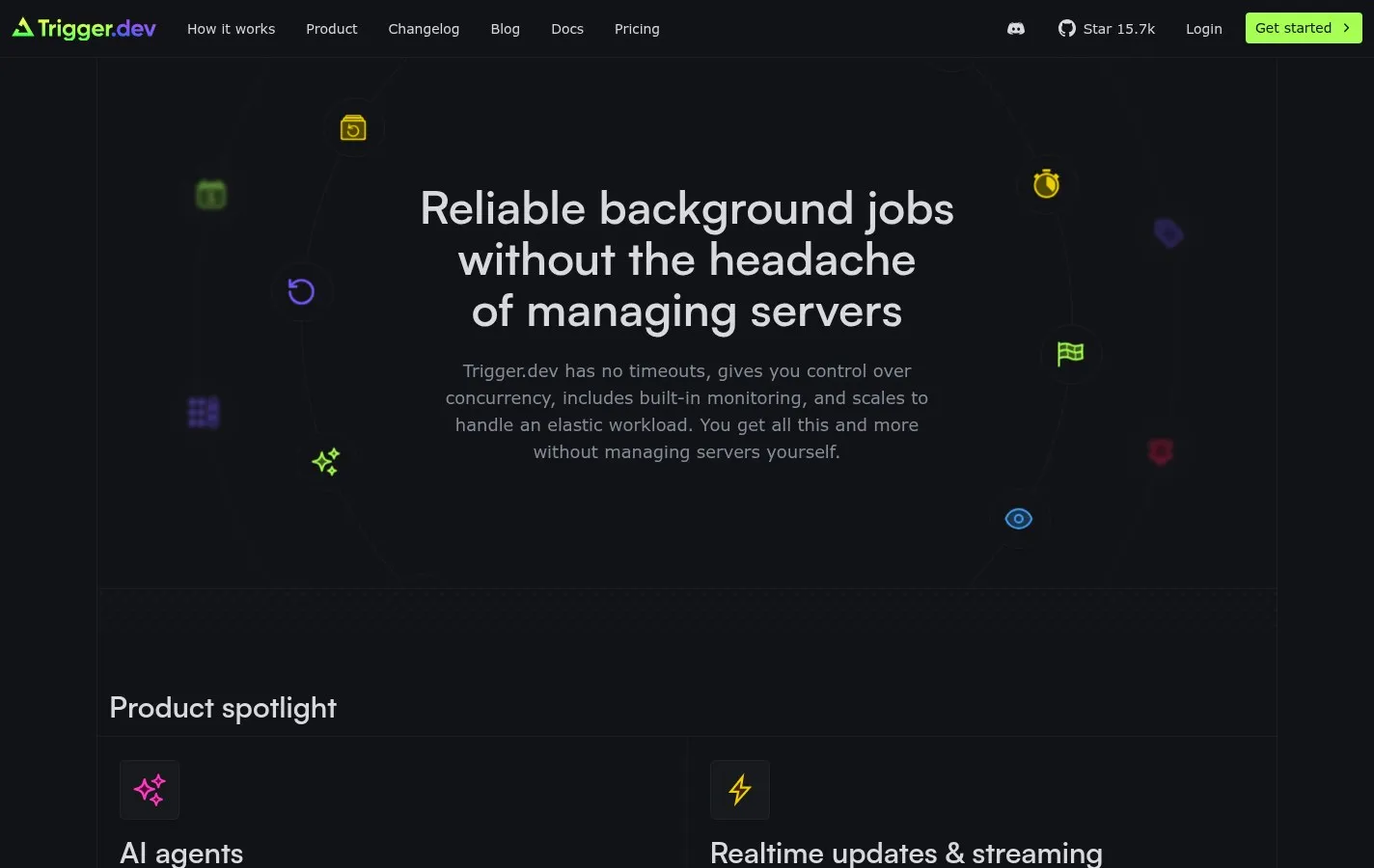
We organized the product story around the jobs developers need the platform to do. Each capability has a distinct purpose, while the shared visual and editorial system shows how they work together as one durable execution layer.
- 01
Long-running tasks
Durable execution without arbitrary serverless timeouts
- 02
Queues + concurrency
Control over workload priority, throughput, and limits
- 03
Automatic retries
Configurable recovery when tasks or dependencies fail
- 04
Observability
Run history, logs, traces, and monitoring in one interface
- 05
Realtime + streaming
Live task status and output for connected product experiences
- 06
Elastic scaling
Production workloads without managing the underlying servers
03Production proof
Let real workflows carry the argument.
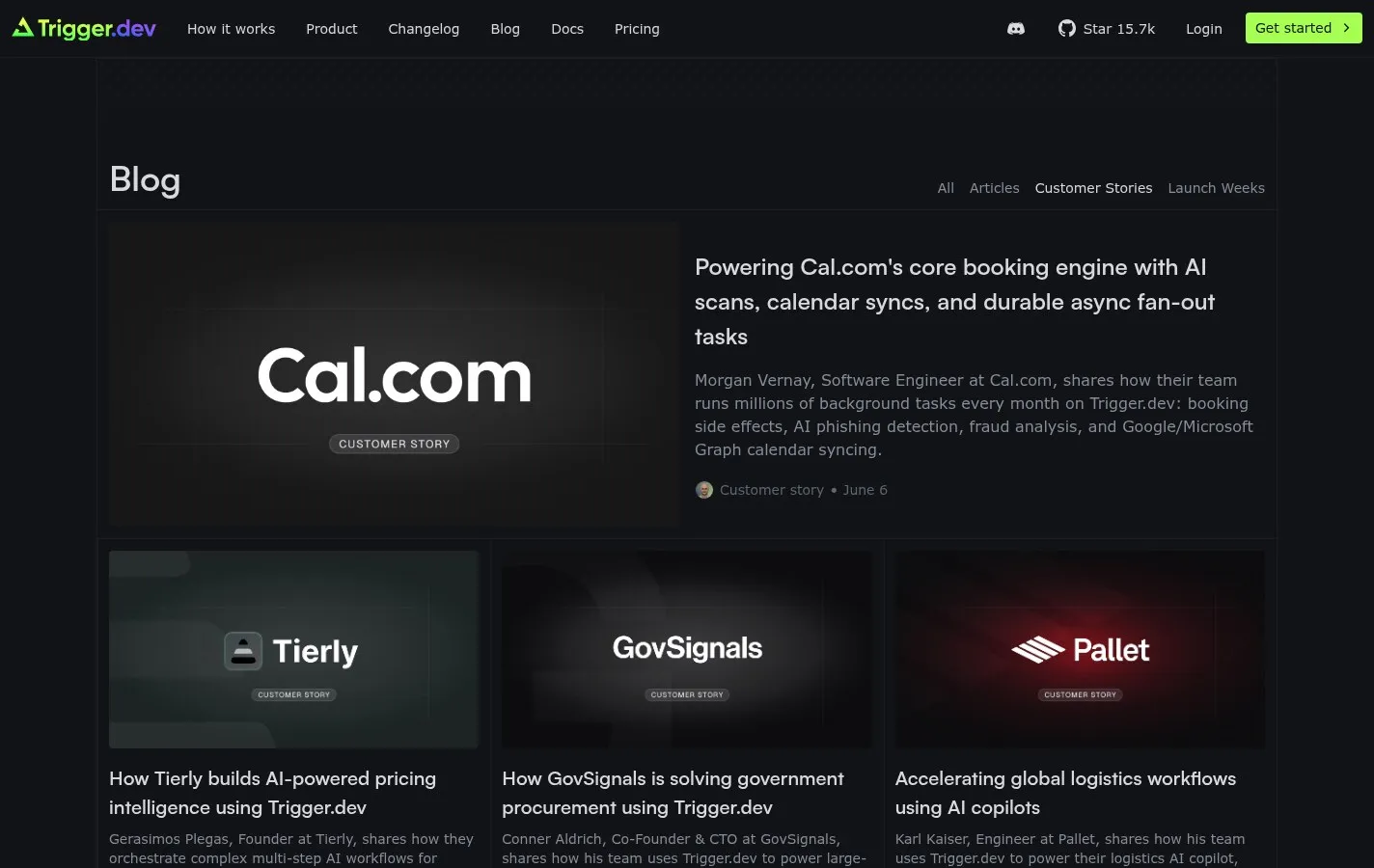
Customer stories connect the platform’s infrastructure claims to work running in production. They show durable tasks powering booking engines, AI products, logistics, procurement, and other systems where reliability is not an abstract feature.
04Documentation
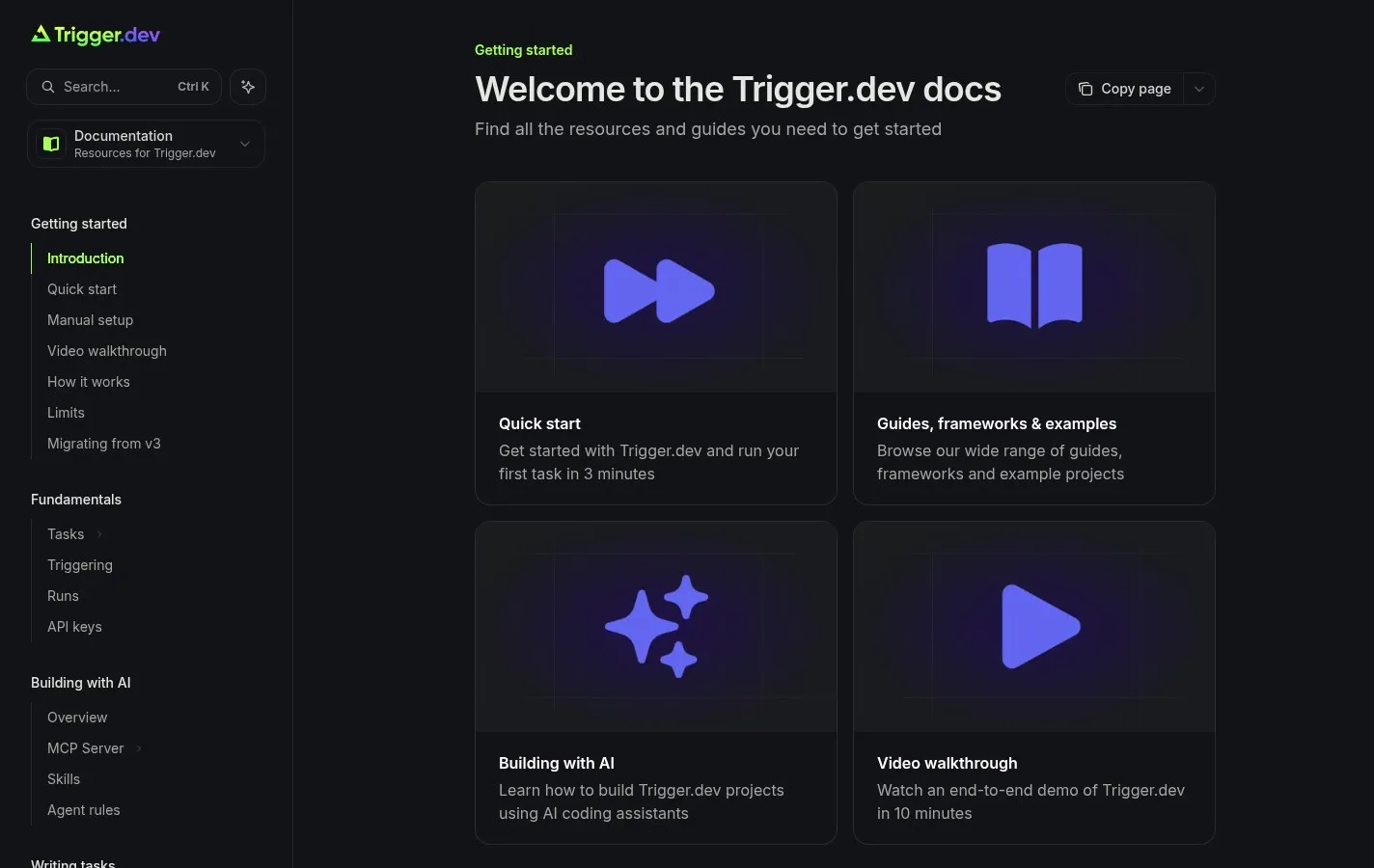
The docs are part of the product.
The path from promise to implementation stays direct. Quick starts, guides, examples, and framework-specific material continue the same clear hierarchy, helping developers move from understanding Trigger.dev to running a first task.
05Responsive execution
Dense information without a dense experience.
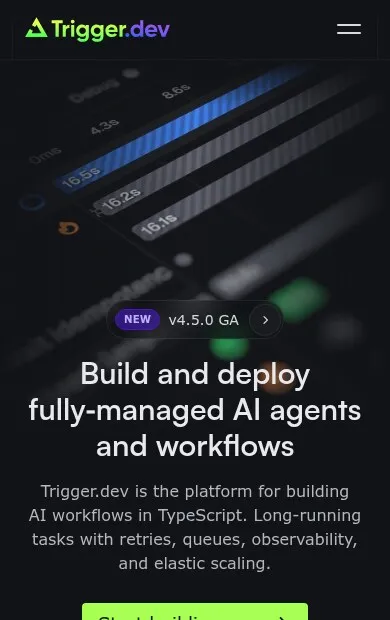
Technical audiences scan before they commit. A strong hierarchy, focused calls to action, concise product language, and responsive layouts keep the experience understandable across devices without stripping away the detail developers need.
- 01
Scannable hierarchy
- 02
Focused actions
- 03
Responsive by default
06What shipped
A product story built to grow with the platform.
The result is a responsive product website with a clear capability model, reusable feature patterns, integrated customer proof, and direct routes into documentation, the cloud product, and the open-source codebase.
- Strategy
- Product narrative and information architecture
- Experience
- Responsive UX/UI and interaction system
- Engineering
- Remix, React, and reusable marketing components
- Content
- Product, customer story, and documentation pathways
Building a technical product?